The BestTeacher app
Put BestTeacher on your phone
Parents book and follow classes, teachers set their week and accept requests, and students see their homework. It installs straight from this page in a few seconds, with no app store needed. It works on Android and iPhone.
The app is installed. Look for the green BestTeacher icon on your home screen.
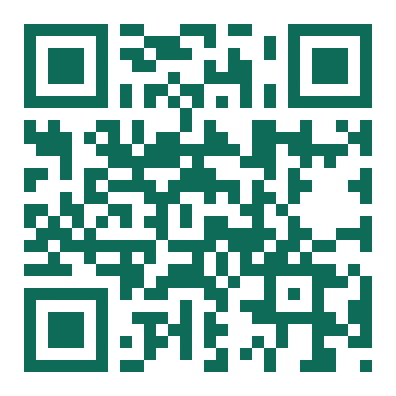
On a computer? Scan this with your phone's camera to open this page on your phone.
How to install
If the Install button doesn't appear, follow the steps for your phone.
Android (Chrome)
- Open bestteacher.academy/get-app in Chrome
Tap Install the app at the top of this page if you see it.
- Or use the Chrome menu
Tap the three dots ⋮ at the top right, then Install app or Add to Home screen.
- Open it from your home screen
Tap the green BestTeacher icon and sign in with your phone number.
iPhone (Safari)
- Open bestteacher.academy/get-app in Safari
It must be Safari. Other browsers on iPhone can't install apps.
- Tap the Share button
The square with an arrow pointing up, at the bottom of the screen.
- Choose Add to Home Screen
Scroll down the list if you don't see it, then tap Add.
What you can do in the app
Parents
Add your wards, find a free teacher by subject, time and lesson type, send requests, and read the teacher's note after each lesson.
Teachers
Tick your free slots for the week, accept or decline requests, see addresses for home lessons, and write lesson notes.
Students
SHS students can sign up themselves and book teachers. Younger students sign in with the code and PIN from their parent to see classes and homework.